


Atlas Knot Bag - PDF SEWING PATTERN (Video tutorial)
Atlas Knot Bag - PDF SEWING PATTERN (Video tutorial)
Couldn't load pickup availability
DIGITAL DOWNLOAD ONLY, NO PHYSICAL PRODUCT WILL BE DELIVERED TO YOU.
Link to video tutorial:
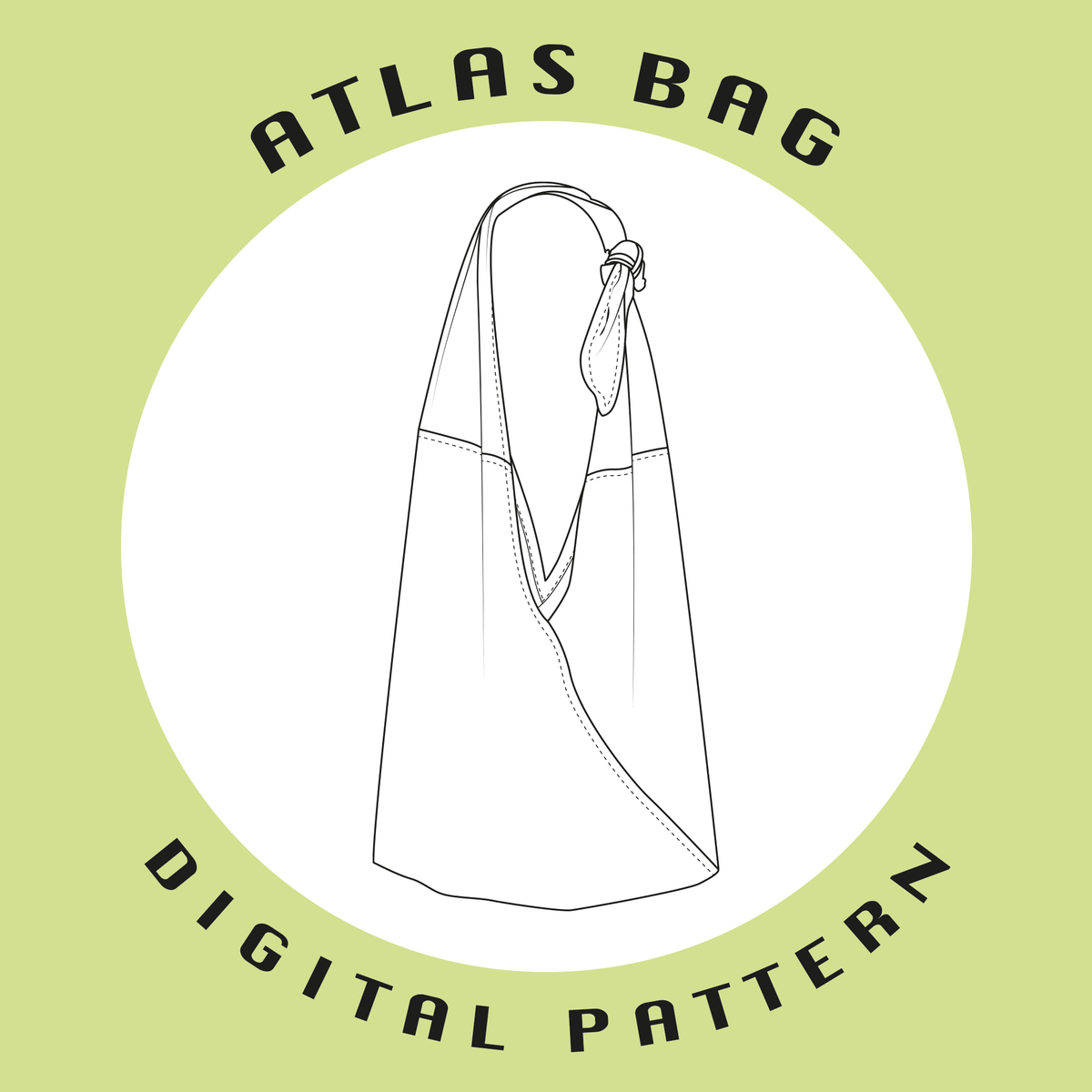
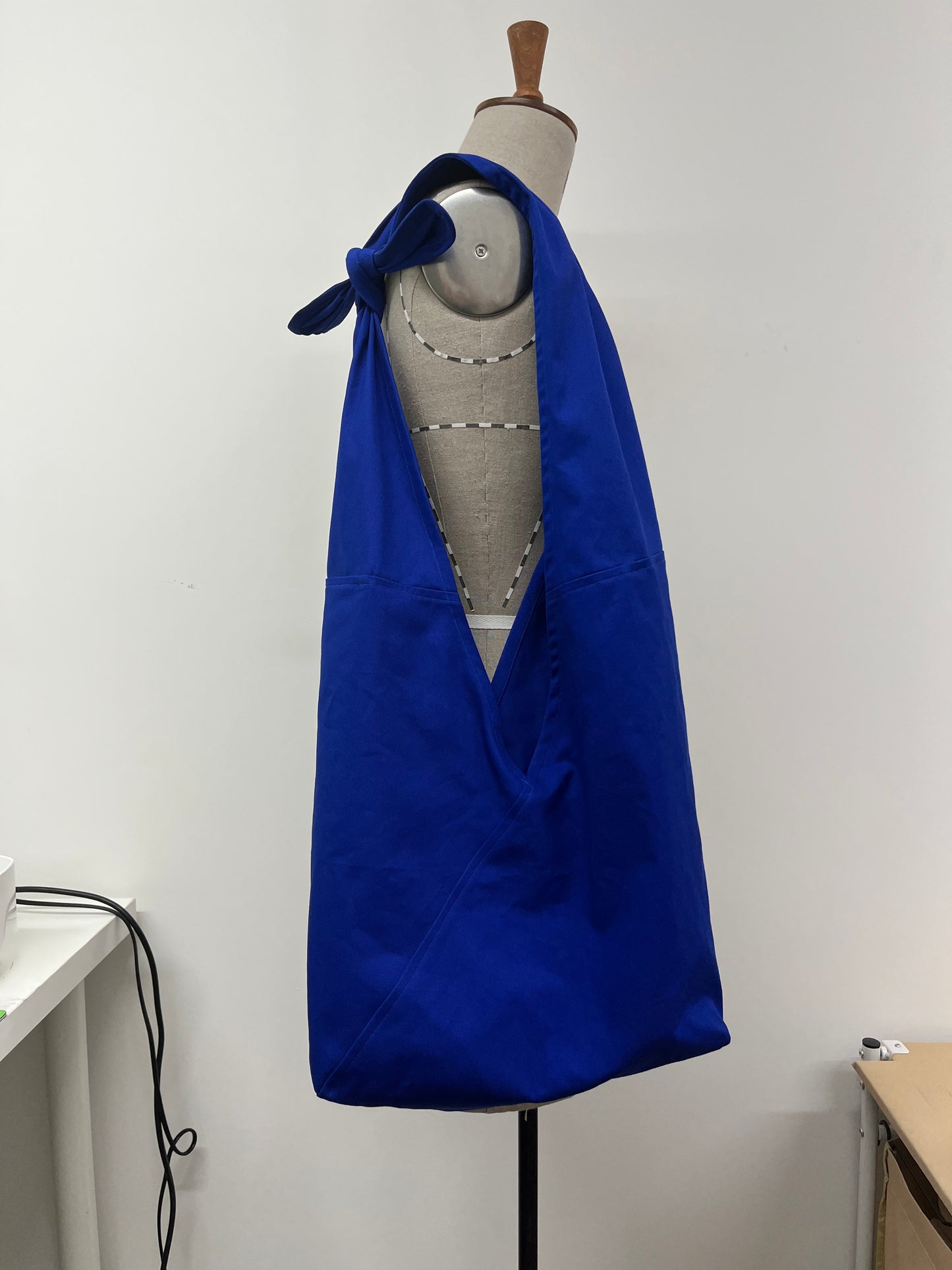
Digital pattern PDF for the Atlas knot bag with instructions.
File included: Digital pattern, pattern instructions.
Bonus clipping of notes to help you create your own pattern using different dimensions.
Sewing Level
Sewing Level
Beginner. 3-4hrs to complete.
Printing Formats
Printing Formats
Compatible for both letter and A4 paper sizes. Includes A0 size as well.
Materials required
Materials required
- 1m of fabric at minimum 140 width, otherwise 1.5m of shorter rolls.
- Lobster claw clip
- Bias maker (optional)
Fabric and Material Recommendations
Fabric and Material Recommendations
General Equipment
General Equipment
It is assumed that you own general sewing equipment for this pattern. This includes cutting tools (paper AND fabric), pins, snips, fabric marker, rulers, sewing machine and iron.
Project Specific Equipment
Project Specific Equipment
Size Chart
Size Chart
Dimensions:
320mm x 120mm x 1060mm
Capacity:
11.9 L
Shipping & Returns
Shipping & Returns
This product is a digital download. File will be delivered to email automatically.
No returns accepted on digital downloads.
Copyright Disclaimer
Copyright Disclaimer
Copyright 2022. Mina Zhao All rights reserved.
This digital sewing pattern is for personal use only. You may print and use this pattern to create garments or projects for yourself or as gifts.
- Not permitted: Sharing, copying, redistributing, reselling, or altering this pattern (in part or in whole) for sale or free distribution in any form, including digital or physical copies.
- Finished items: You may NOT sell finished items made from this pattern on any scale.
- No mass production: Large-scale or factory production using this pattern is strictly prohibited.
- Social media sharing: If you produce content that is intended to generate income, credit to the pattern creator is required.
By purchasing this pattern you agree to these terms of use.
FAQ
FAQ
The pattern has since updated since I bought it, what can I do?
Drop me a message/email, I'll be happy to send you a new link!
Why can I not see the layers option?
If you are on the app version of Adobe Acrobat, it does not currently support the layers feature; it is only available on desktop.
It says "Read-only" when I try to select the layers. What do I do?
Sometimes Acrobat displays this message. Just click "OK" and then try to select it again, it should work.
Share
thank you for making this available to everyone, you have gained a lifelong client/fan!!